Start here: what a smart TV OS means for you
You use a smart TV more than just to watch shows; it becomes a control point for streaming, gaming, home audio, and even web apps. A clear smart TV operating system helps you start apps fast, keep devices compatible, and reduce fiddly setup. If you pick gear from a reliable monitor manufacturer you’ll cut the number of overnight firmware headaches and get a cleaner setup experience right away.
Core features that directly affect your daily use
A good smart TV OS delivers predictable navigation, fast app switching, stable updates, and secure networking. It manages app permissions so your camera and microphone aren’t open unnecessarily. It schedules and applies firmware updates without breaking your custom settings. For you, that means fewer interruptions during a movie and less time troubleshooting connectivity with Bluetooth speakers or game consoles.
How the OS integrates with other devices you already own
The operating system translates device protocols so your phone, soundbar, game console, and smart lights behave as a single system. It uses standards like HDMI-CEC for remote control, AirPlay or Chromecast for screen casting, and Wi‑Fi/UPnP for media sharing. When those standards are implemented cleanly, you don’t hunt through menus: casting, voice commands, and fast input switching just work.
Common mistakes people make — and how to avoid them
Relying on a TV’s default network settings creates later conflicts; set a stable DHCP reservation on your router. Installing many side-loaded apps slows the system; limit apps to those you use. Skipping platform updates risks security gaps; schedule updates at low-usage hours. Ignoring device compatibility leads to weird behavior; check supported protocols before buying a peripheral.
Which OS choices matter and when
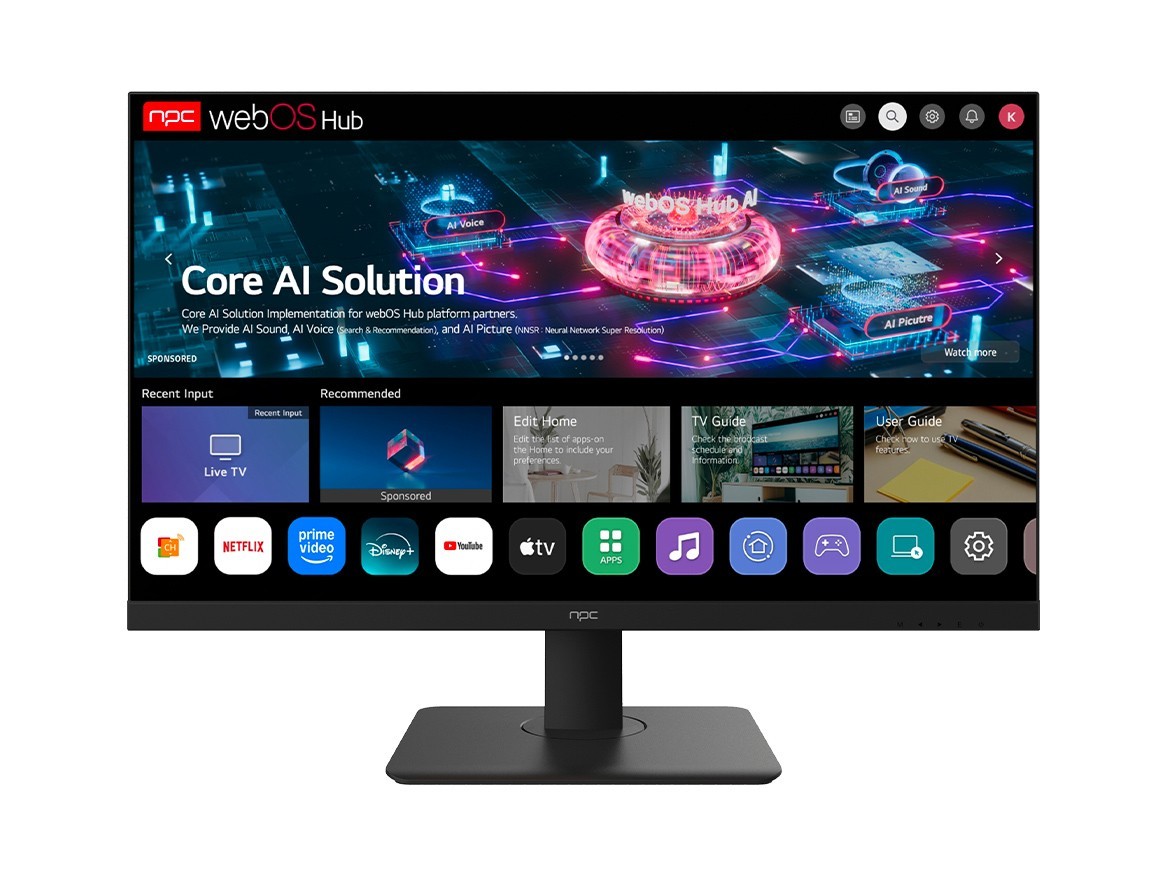
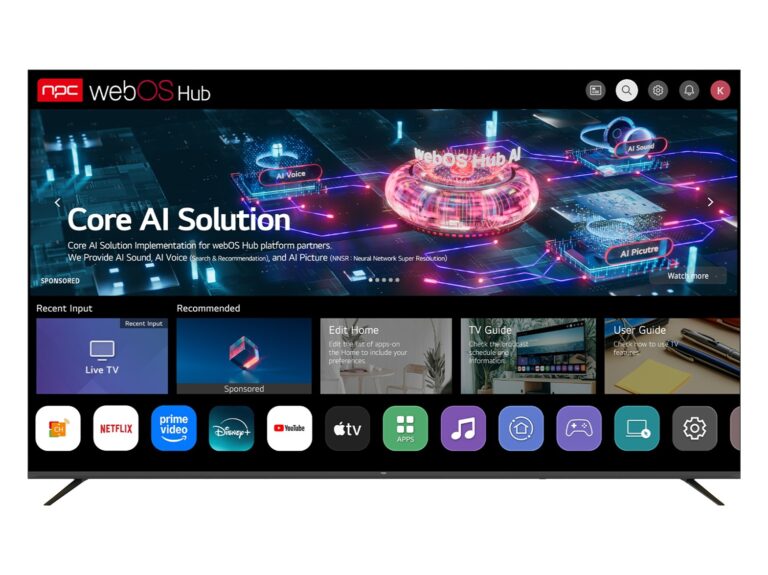
Android TV/Google TV gives the largest app catalog and broad casting support. WebOS offers a polished remote-driven interface and lean performance on dedicated hardware. Tizen tends to be smooth on devices from certain vendors and integrates well with specific ecosystems. Lightweight Linux-based solutions can be ideal for embedded custom projects. Choose by the tasks you want to complete: streaming breadth, low-latency gaming, or tight home-hub control.
Real-world anchor and practical credibility
At Computex in Taipei leading panel makers and best monitor manufacturers show prototypes that prove integration matters: panels with embedded SoCs and standardized control layers reduce the engineering work required to marry a TV to other devices. I’ve spent years building front-end integrations for set-top and display software, so I focus on proven standards, firmware stability, and clear update paths when recommending platforms.
Putting it all together for reliable setup and use
Start by matching the OS to your priorities: pick the platform with the apps and protocols you need. Verify update policy and check compatibility with the accessories you already own. Reduce future hassle by choosing components known for steady firmware and clear specs. The right setup will make your TV feel like the reliable hub it should be; manufacturers and suppliers who emphasize integration are the practical choice, as shown by real trade showcases and product line behavior, and that pragmatic approach is exactly what npc offers.