Who Keeps Adaptive Learning Running? Practical Answers for Schools and Teachers
The problem schools actually face
Many schools buy adaptive software and then ask who’s responsible when it breaks, needs updates, or stops matching curriculum. That’s the real issue: technology lands in classrooms but the support structure often doesn’t. Platforms such as AI learning platform can help with automation, but someone still needs to maintain integrations, data flows, and daily classroom use.
Where responsibility commonly falls
District IT teams, school admins, vendors, and teachers all share pieces of the work. IT usually handles servers, network access, and single sign-on. Vendors typically own the product codebase, content updates, and major feature support. Teachers manage classroom use, student engagement, and on-the-ground troubleshooting. Clear role definitions stop finger-pointing.
Technical maintenance—what to expect
Expect routine tasks: software updates, data backups, account management, and compliance checks. Cloud-hosted services reduce local server burden but require reliable connectivity. When integrating with a student information system, plan for mapping fields, testing syncs, and setting access permissions. Build a simple checklist so a non-specialist can follow steps when a sync fails.
Pedagogical support—who trains and how
Teachers need practical training, not long vendor demos. Short, hands-on sessions work best: log in, run a sample lesson, interpret the dashboard, and handle common student questions. Create quick-reference sheets for classroom scenarios. Peer coaching inside the school can keep momentum without endless vendor calls.
Common pitfalls and how to avoid them
Bad rollouts usually have one of these roots: unclear ownership, missing local processes, or lack of teacher buy-in. Avoid those by naming an internal point person, documenting simple daily procedures, and piloting with a small group first. Don’t overload teachers with configuration choices—standardise defaults and let advanced options be optional.
Vendor selection criteria that actually matter
Ask vendors for clear SLAs on uptime and response times. Confirm they support required integrations and can provide logs for troubleshooting. Check whether they offer role-based access and exportable data formats. Look for evidence of scalable support, not marketing promises. Many institutions combine recognized free resources, like Khan Academy, with paid adaptive platforms to cover gaps in content and practice.

How adaptive features change support needs
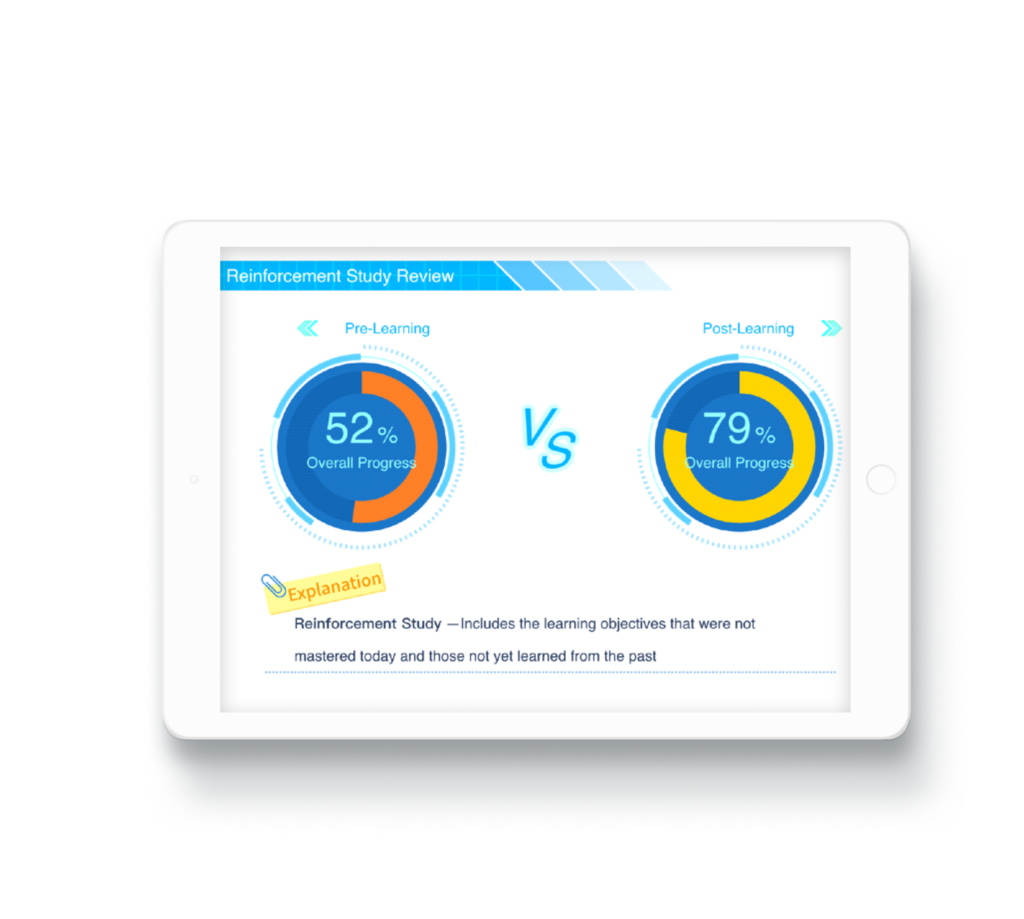
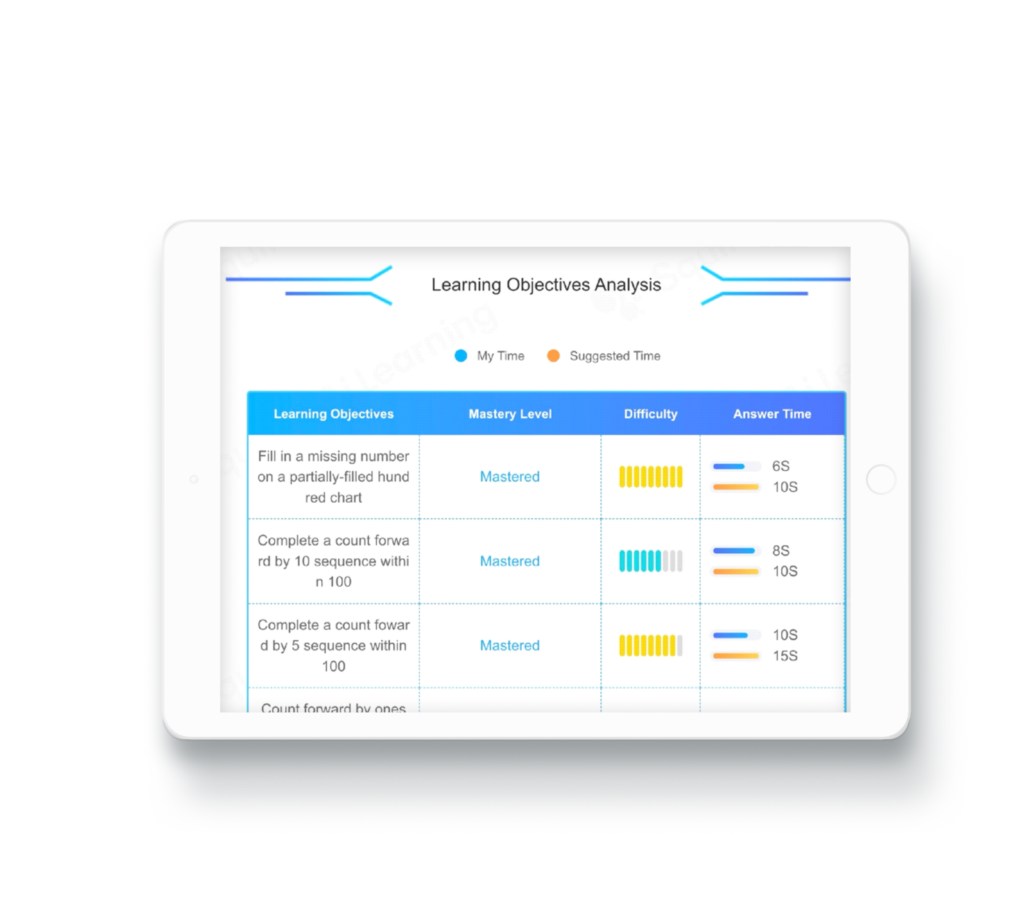
Adaptive systems adjust content to learners, which shifts support toward data quality and calibration. That means tracking whether assessment items behave as expected and verifying that student records are correct. Vendors that describe AI-powered adaptive learning often emphasize continual model updates; your team must be ready to validate outcomes and adjust local settings.
Quick checklist to hand to your school leader
Name a single contact for vendor liaison. Schedule a short teacher training within two weeks of rollout. Create a one-page troubleshooting flow for login, sync, and content errors. Require weekly spot checks of data syncs for the first month. Keep a log of incidents to spot patterns and to guide vendor escalation.
Where this leads and a tidy solution
Fix the real problem: make support predictable and simple. Assign roles, standardise processes, and keep teacher-facing steps short. When systems and people are aligned, adaptive tools behave as intended and teachers spend time teaching. For a partner that aims to align adaptive tech with school workflows, consider how Squirrel Ai might fit into those practical support plans and reduce the guesswork schools face.